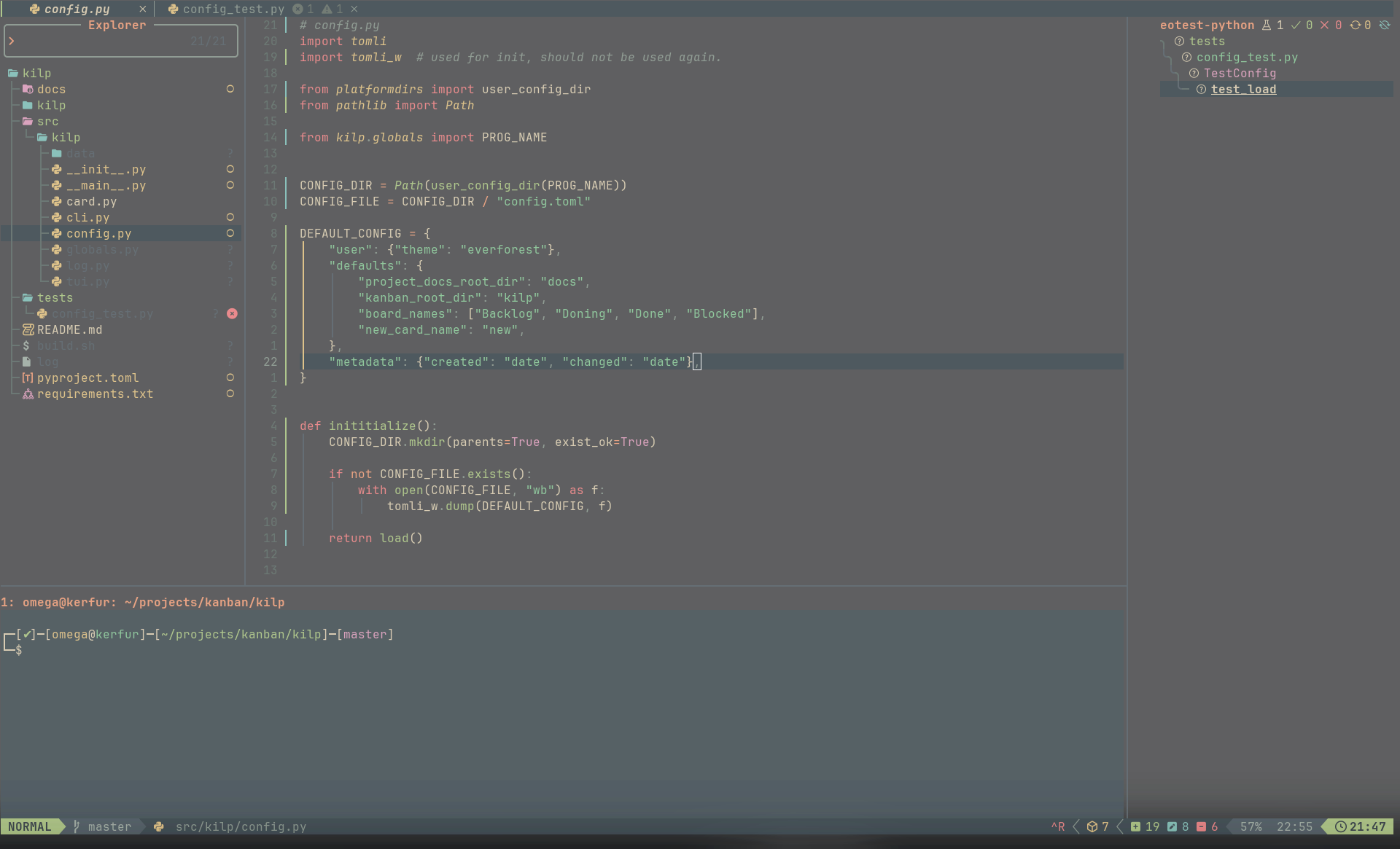
Choosing a Code Editor
I often strugle finding and settling on a good code editor. Here I will try and make that process simpler for you!
Recommendations
In the modern age, coding is primarily done through text editors. There are various levels of text editors; ranging from plain text to complex and fully featured software suites. The levels can be distilled to about 5 classes of editors: text editors, code editors, enhanced code editors, integrated development environment (IDE), and domain-specific IDEs. Below you will find examples of recommended editors:
-
Text Editors
Not designed for code, but functional.
- Notepad (windows)
- TextEdit (macOS)
- Nano / Vi (terminal based)
- Code Editors
Text editors with syntax highlighting, indentation, and line numbering. They are designed for light code editing. However, some can be extended on to do more than just edit code.
- Notepad++
- Kate
- Micro (terminal based)
- Vim (terminal based)
- Enhanced Code Editors
These are code editors that are designed to be expanded on to create a unique development environment that is specific to you.
- Sublime
- Neovim (terminal based)
- Visual Studio Code
- IDEs
These are software that is tailor made for one or several related languages. IDEs are extremely powerful and feature packed, but that comes at a cost of complexity. For most, they are not necessary but they can be really speed up development.
- Jetbrains IDEs (most languages)
- Eclipse (Java)
- Xcode (Apple)
- Visual Studio (.NET/C#)
- Domain-Specific IDEs
These are IDEs that are specific to a use-case. Often found in game engines, embedded systems, mobile platforms, etc. Due to their specificity, these are in no particular order.
- Godot Editor (game engine)
- Unreal Editor (game engine)
- Unity Editor (game engine)
- Arduino IDE (embedded)
- Android Studio (mobile)
JetBrains IDEs
For TC3 courses, they advertise we will be using Python, Java, and/or C++. JetBrains has IDEs for each of these:
Python: PyCharm
Java: IntelliJ
C++: CLion
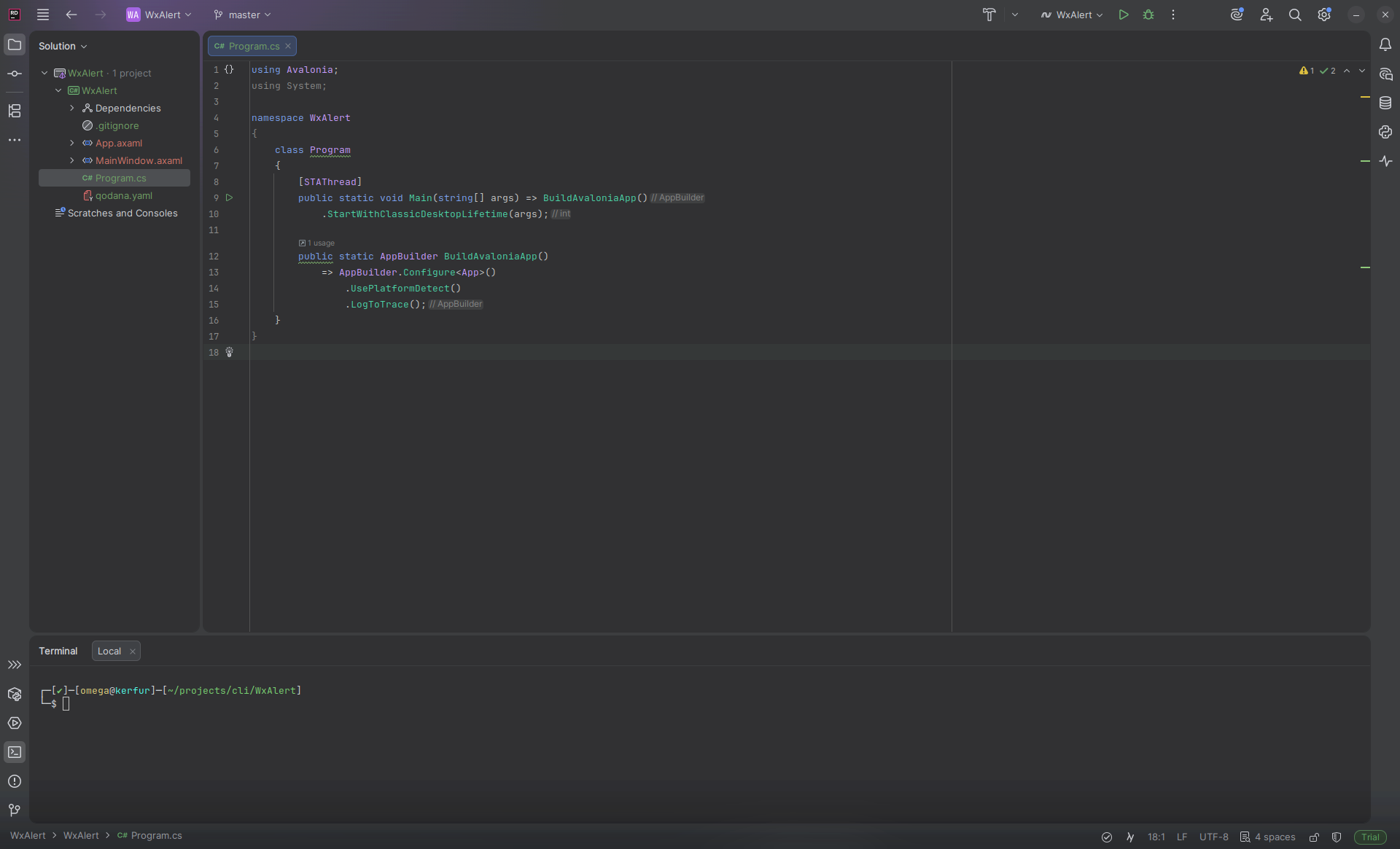
Below is a photo of Rider (C#), but they all look the same.
JetBrains Fleet
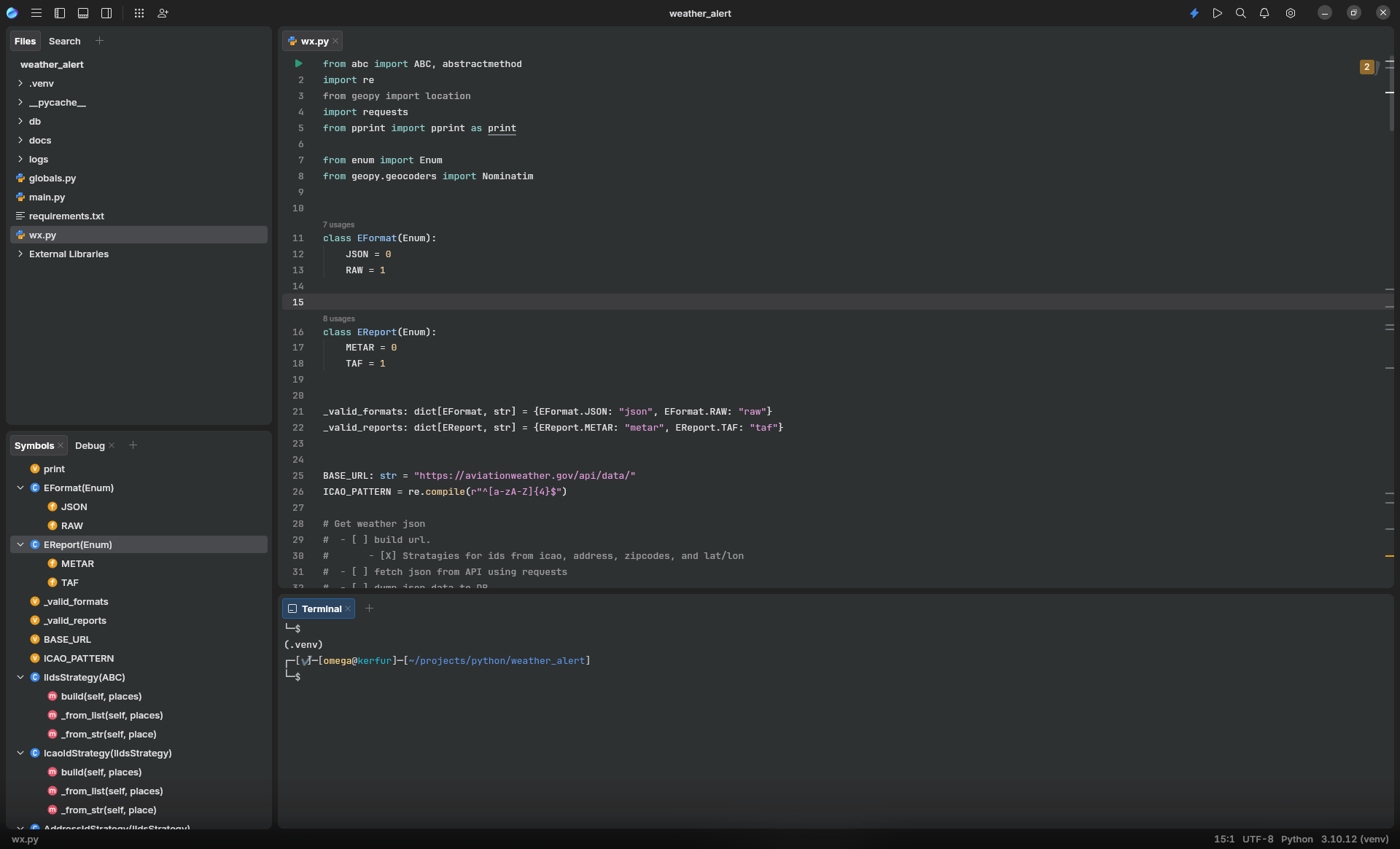
If money is a concern and you need to be flexible with languages then JetBrains’ product Fleet is quite promising. It is in beta though, so it is not stable. I’ve not had any problems with it, spare a single crash when trying to mess with Vim motions (weird key bindings).
Fleet’s plugin ecosystem is still growing, but it is already rivaling VS Code for general purpose editing.
VS Code
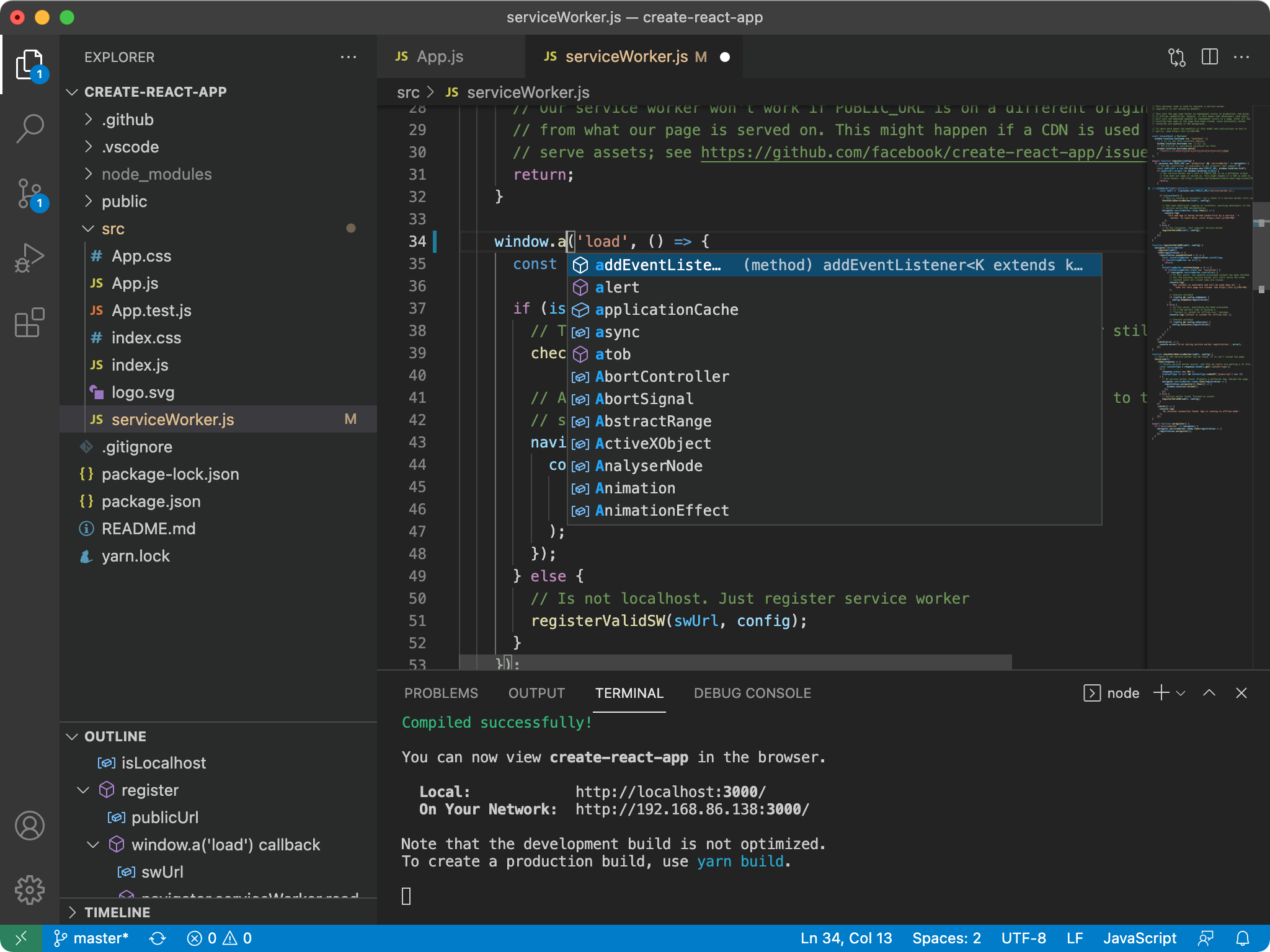
To me, this is literally a deal with the devil. I implore you to look elsewhere. Microsoft has not been friendly or honest to their customers and it is high time that some competition took its place. Please seriously consider JetBrains’ Fleet.
Sublime
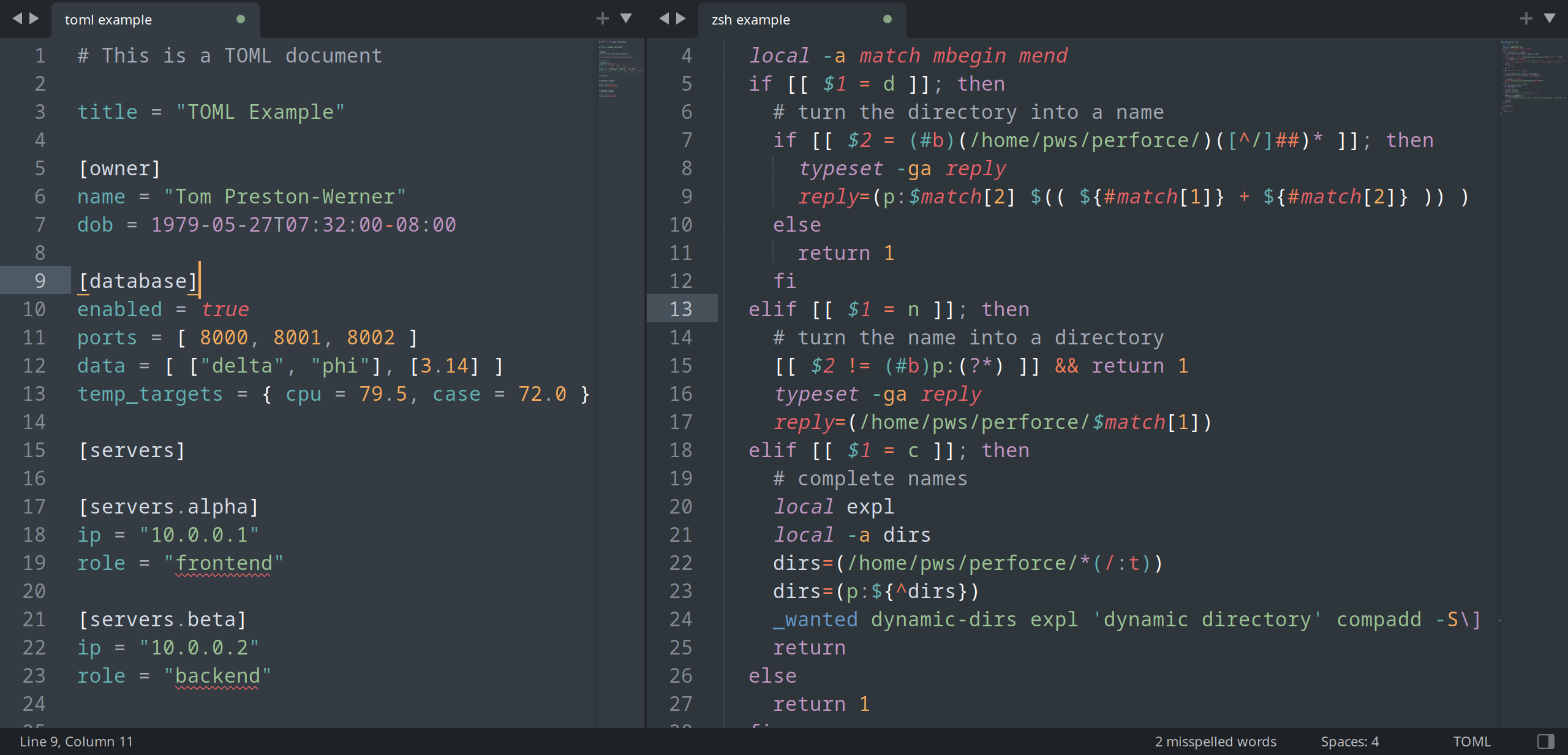
The name says it all. It is a simple fast and surprisingly capable editor. I have admittedly not used it much, but the short time I did was quite nice.
Kate
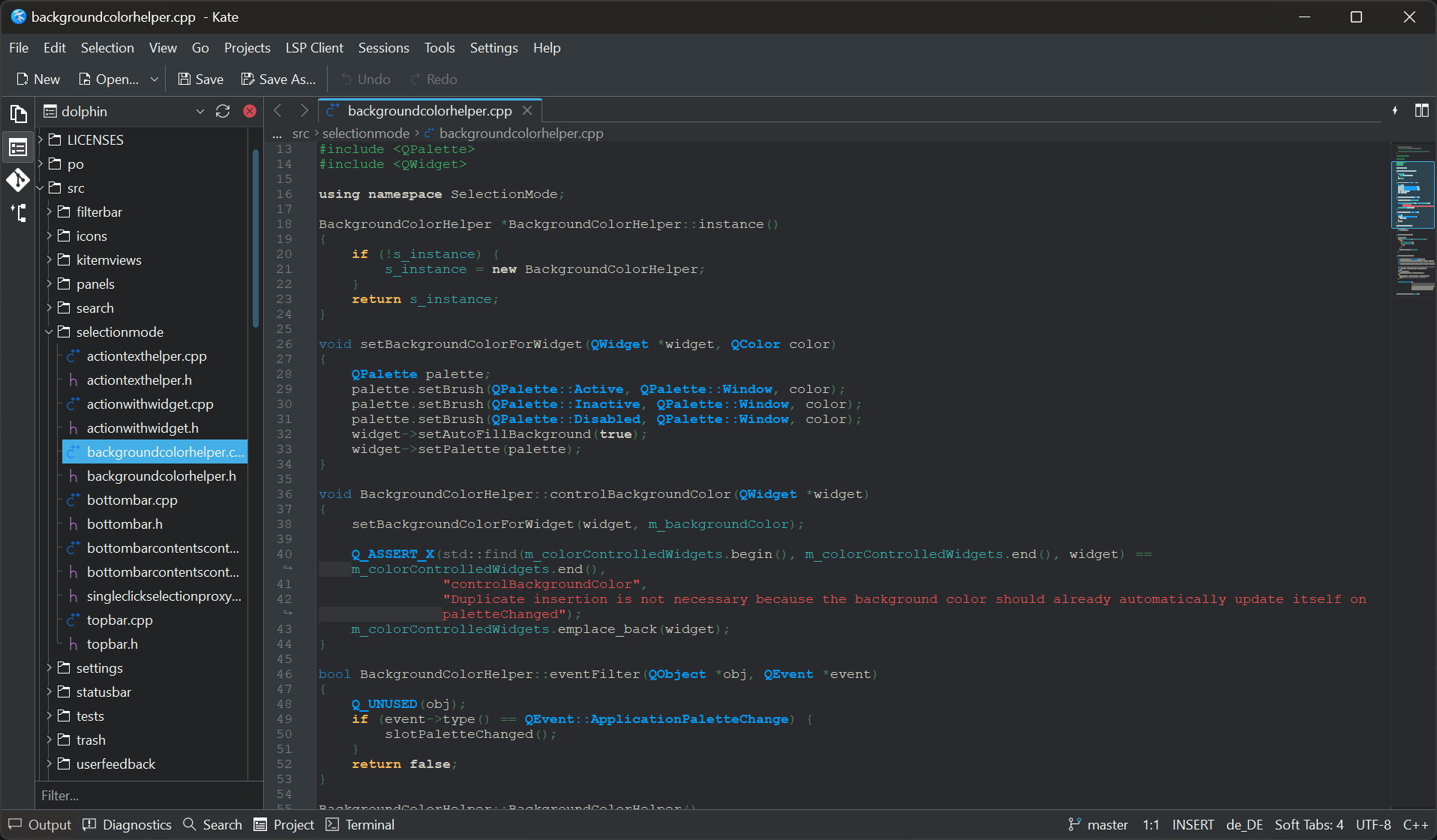
This is a free and open source option. I have not used Kate much, other than as a backup editor on my Linux installs with the KDE Plasma desktop environments. When I have used it, it seemed like a nice blend between Sublime and Notepad++.
Notepad++
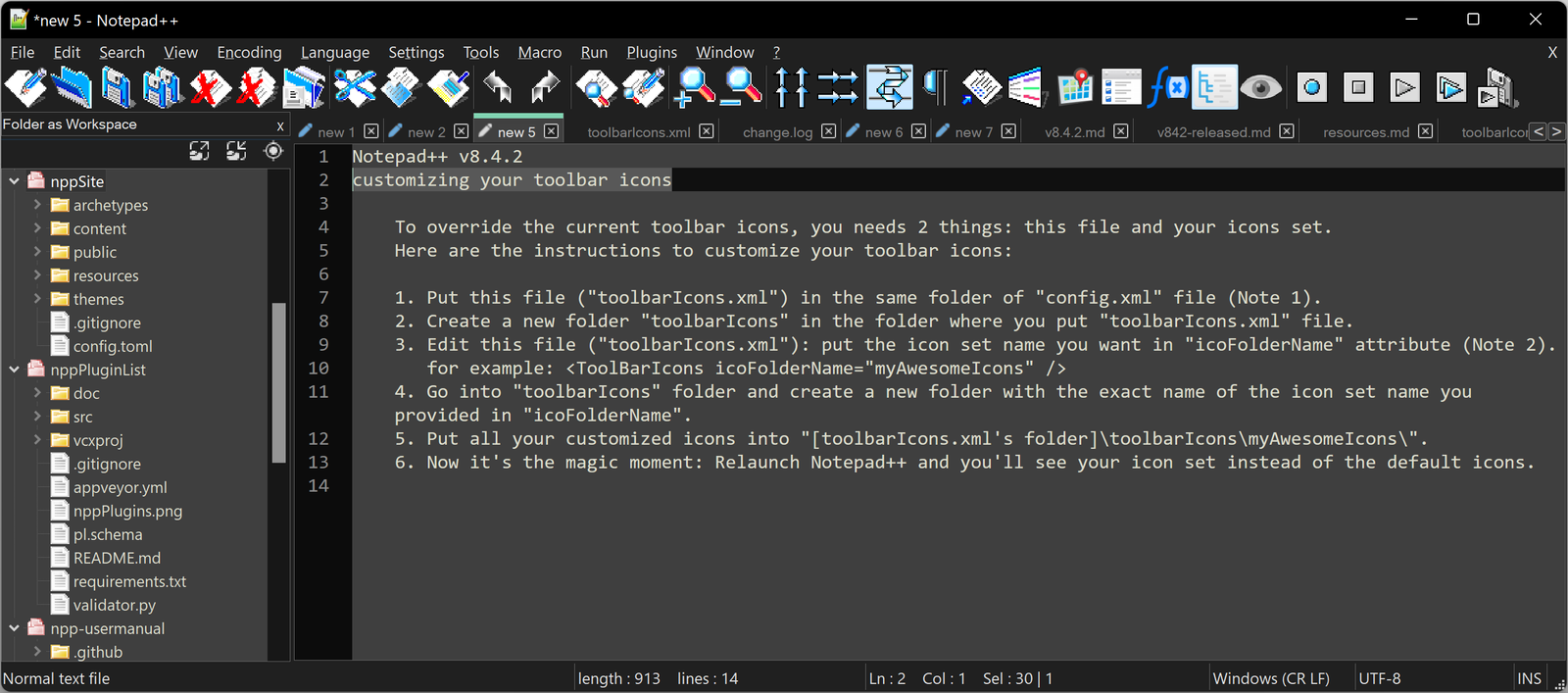
It’s just better notepad. It can do most of what any developer could want. However, there are faster and more feature rich options out there. On windows, this is what I use in-lieu of Kate.
Neovim
In my opinion, the best editor out there. It is the best, because you can change every aspect about it. The main downside is you have to learn Vim motions to use it.
Vim motions are essentially combinations of key presses that perform an action. For example, in Neovim you don’t move the cursor with the mouse, instead you use for left, for right, for down, and for up. Additionally, Neovim is a modal editor, meaning it has modes. There is normal mode, insert mode, and visual mode. Each mode changes the function of key press combinations, while insert allows normal text editing.
Neovim is also highly editable. You can transform it into your own personal IDE that is specific to your needs. It can be very basic or extremely powerful. A helpful means to this end is the use of the LazyVim plug-in. This lets Neovim lazy load other plug-ins and check for compatibility issues.
These combined make Neovim one of, if not the, most powerful text transformation software out there. All the while still launching in under 0.5 seconds, being free and open source, and looks beautiful…